Edit your face.
Keep it yours.
Smooth skin, heal spots, whiten teeth, reshape the jaw or nose, try a new hair color and fix an expression, all in Expression Editor - Reshot AI.
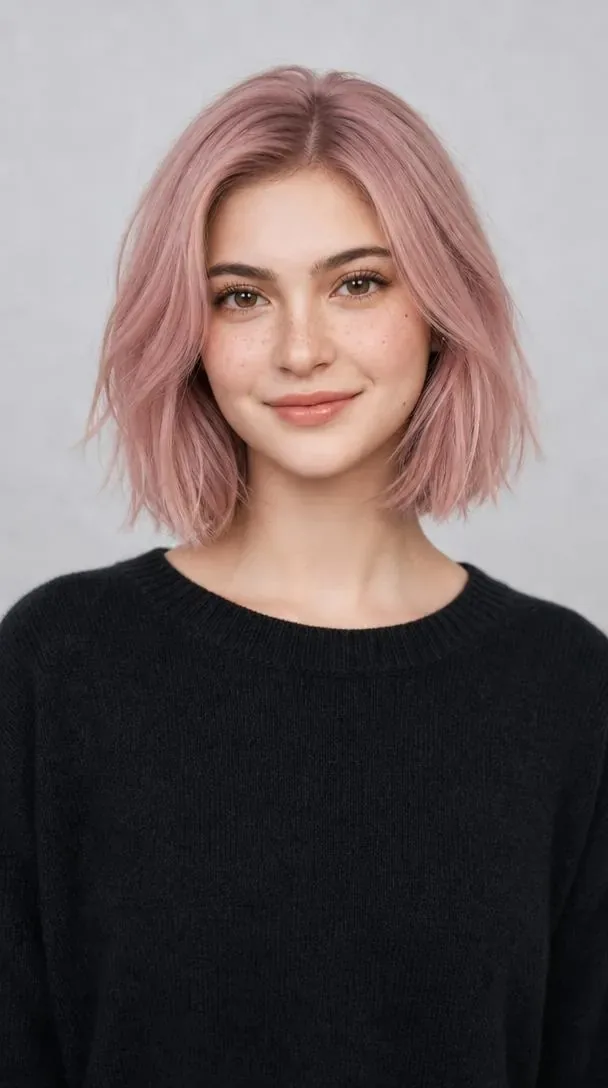
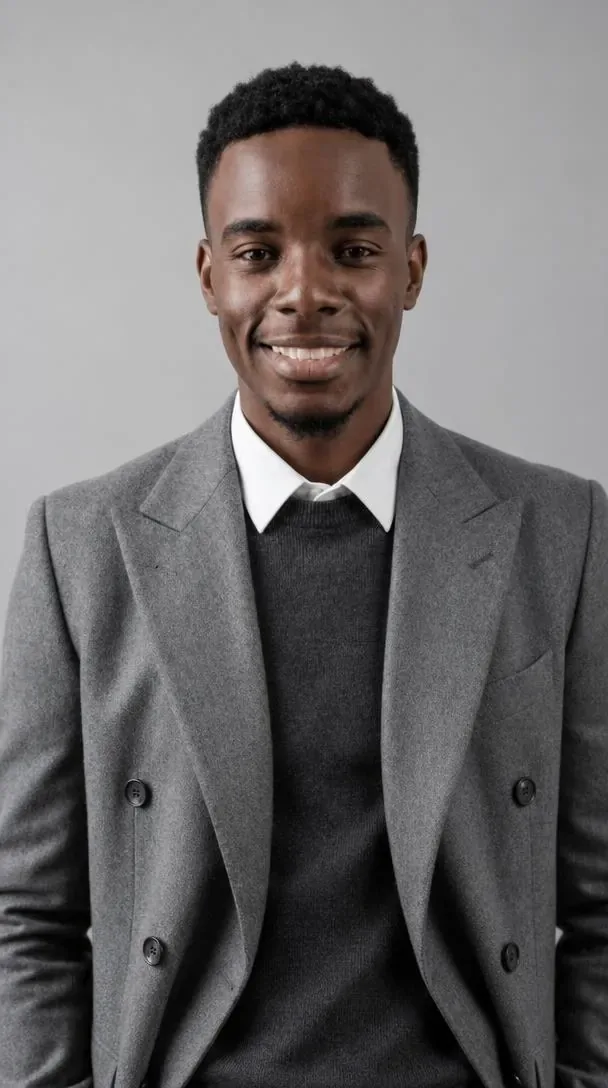
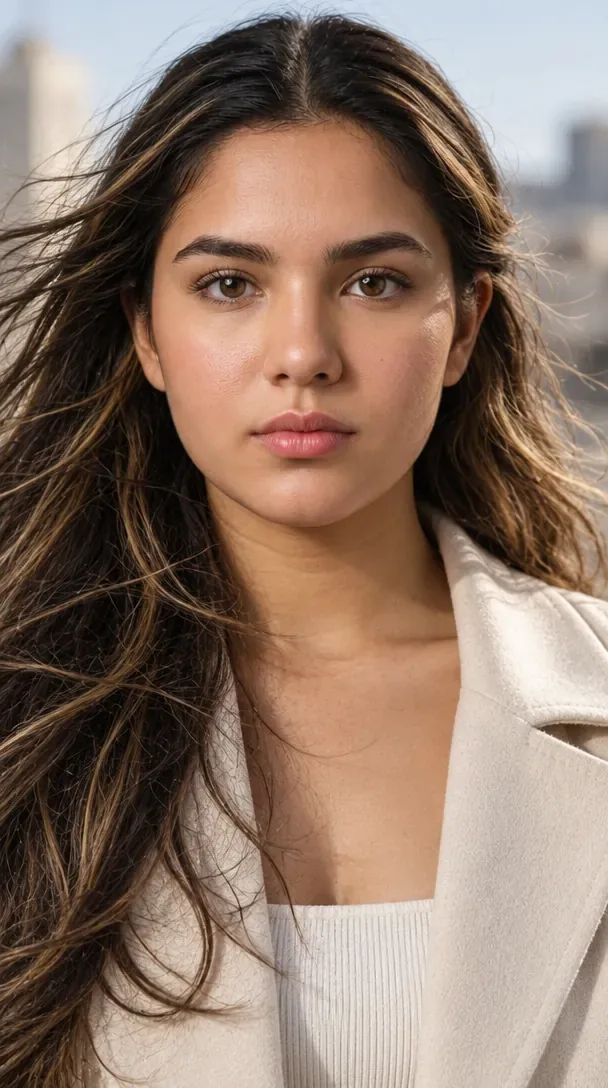

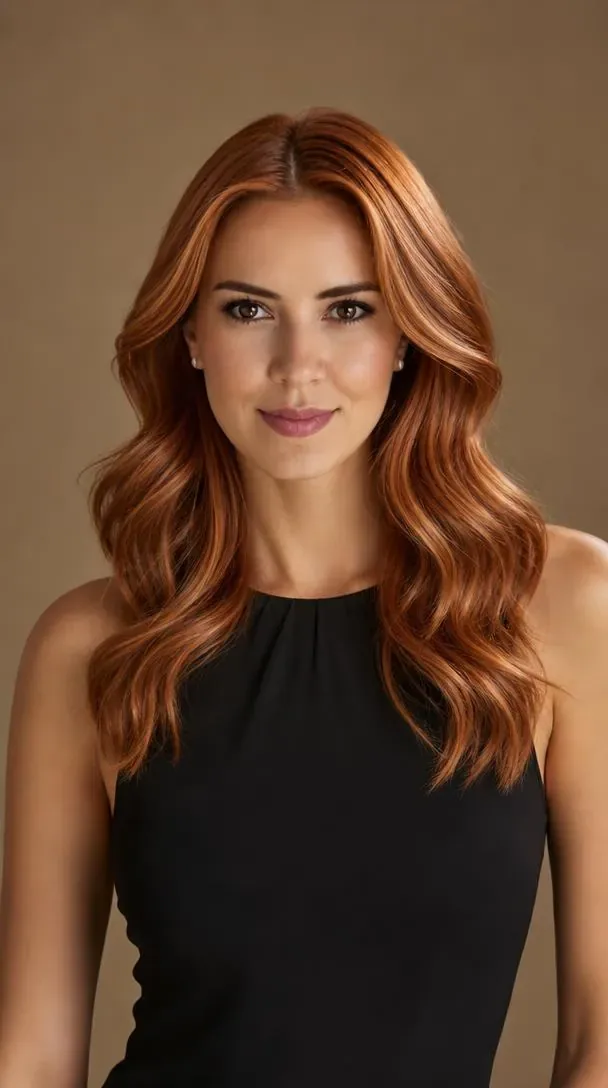
What is Face Studio?
Face Studio is the face editor inside Expression Editor - Reshot AI, an iPhone app. Its main tools are Face Retouch for skin, teeth and eyes, Face Reshape for the shape of the face and its features, Makeup and Body Reshape, plus Features, Background, Face Blur, Adjust and Sharpening. Every tool is a slider, every change can be compared with the original, and an eraser paints back any part of the photo.
In a group photo you tap a person and edit only them. Retouch, Features and Makeup can also go to everyone in the photo at once.
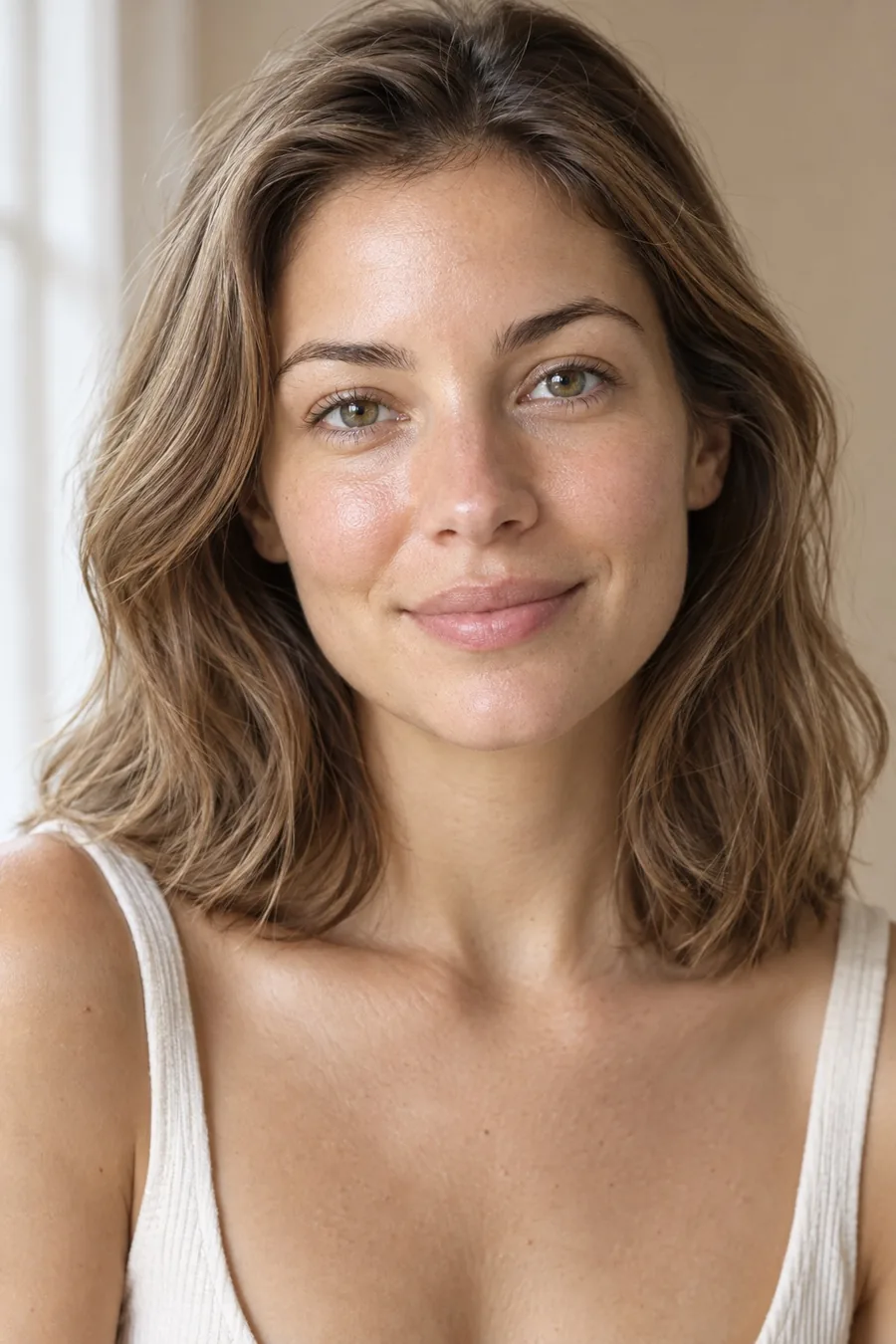
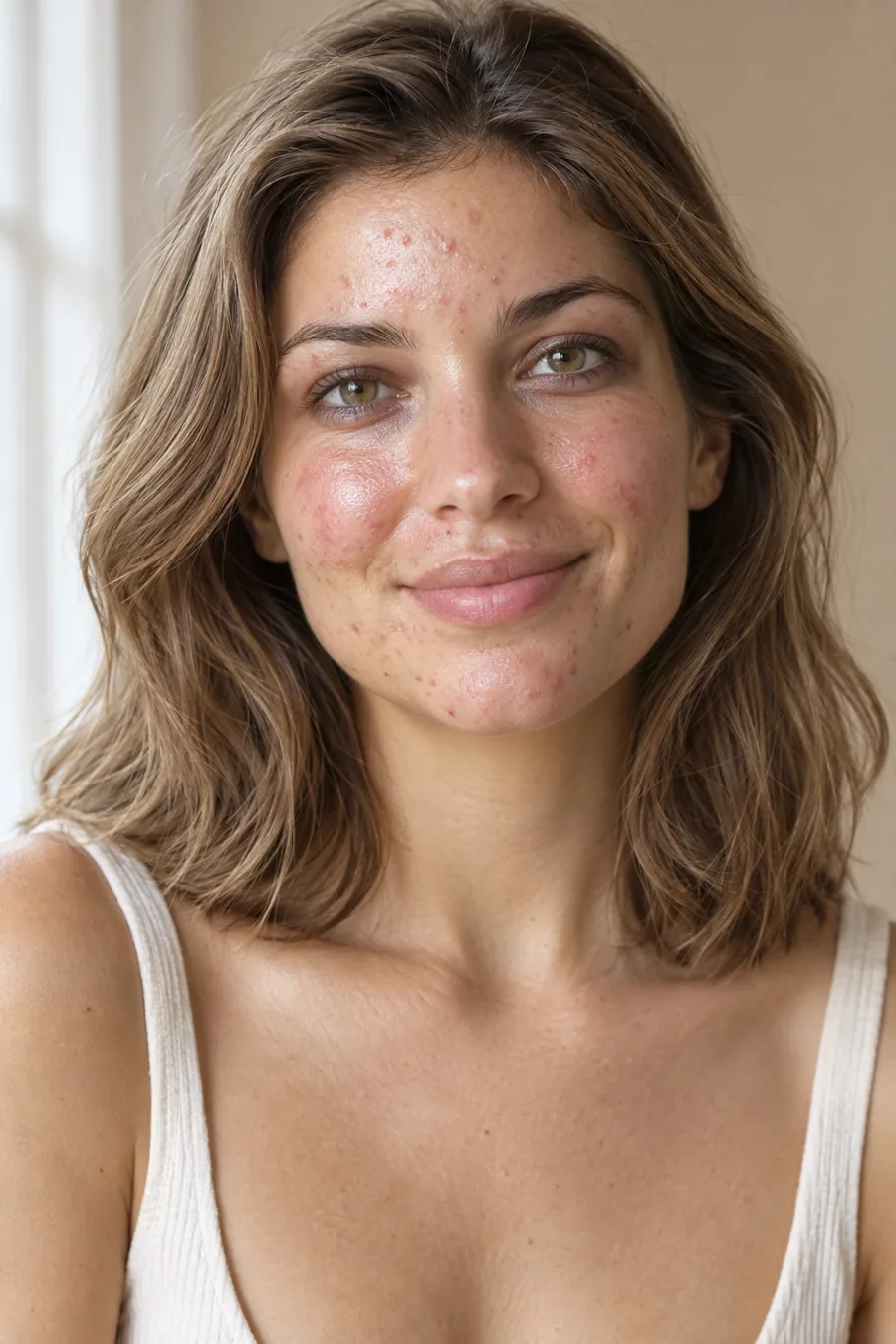
Sample edit. Drag to compare.
Skin that still looks like skin
Smooth skin, heal spots, even out the tone, whiten teeth, brighten eyes and take away shine. Only the area you change is edited, so pores and texture stay where they were.
- Smooth skin, heal spots, even tone
- Whiten teeth and brighten eyes
- Remove shine and eye bags, or tap a spot to remove it
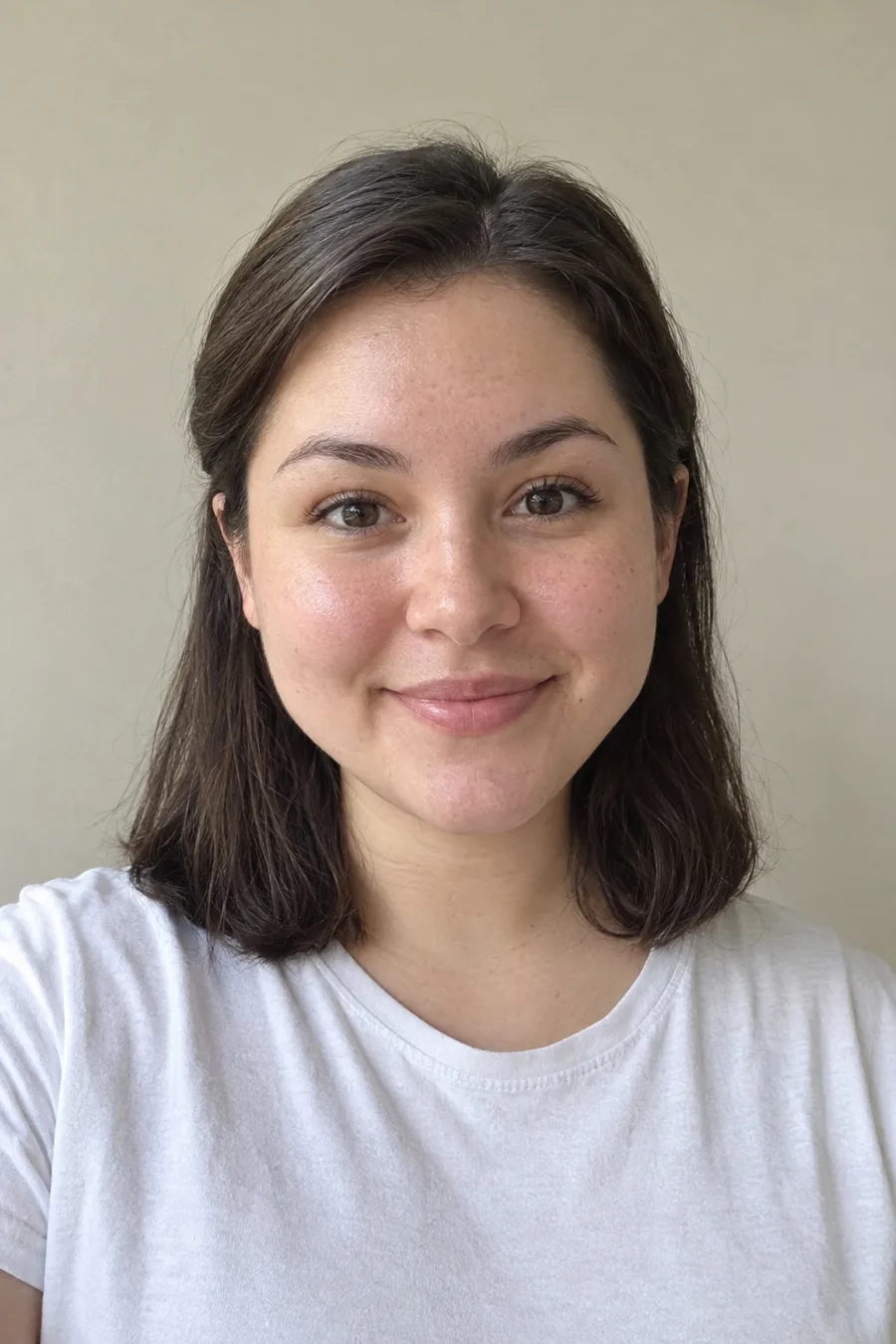
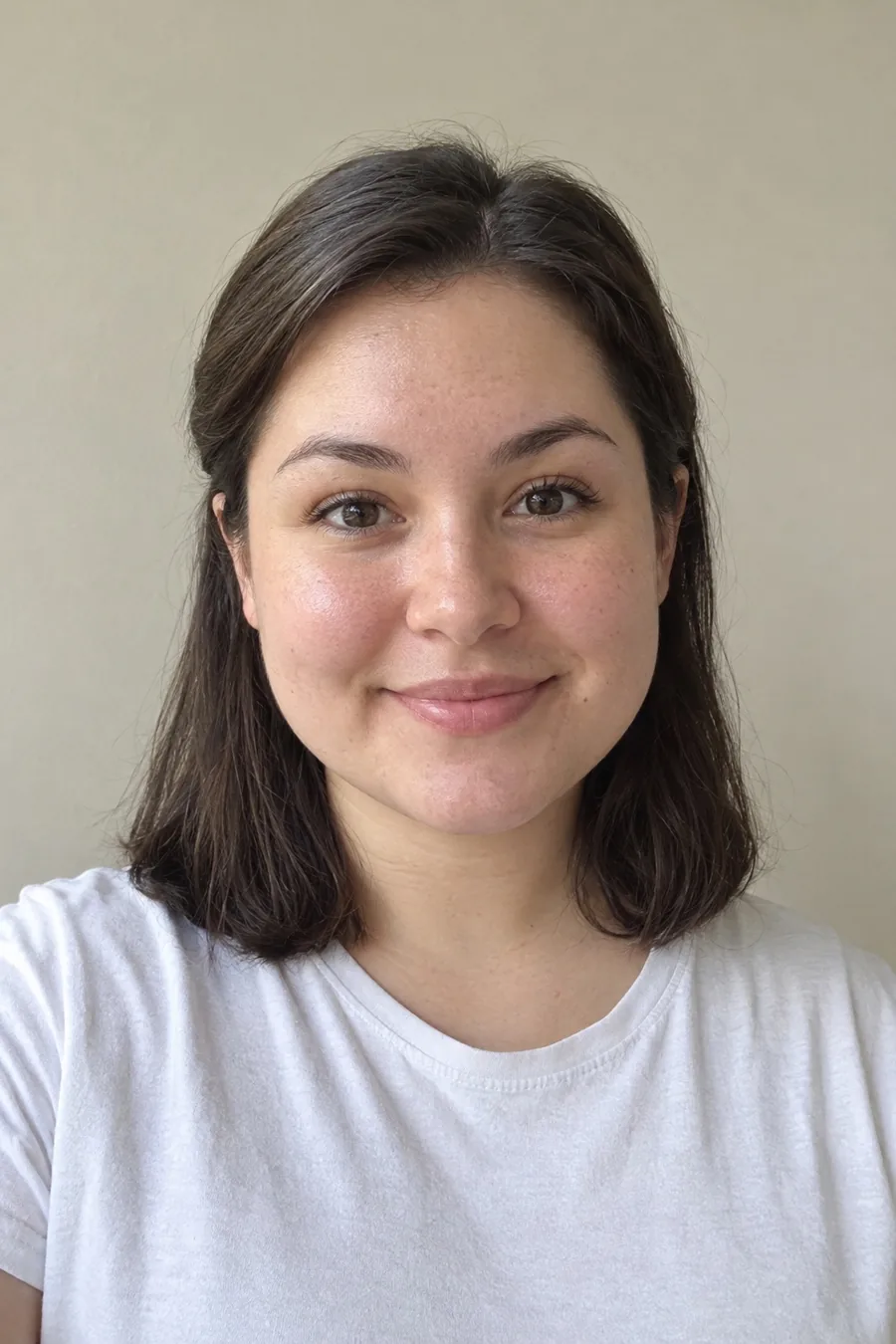
Sample edit: face width and jaw. Drag to compare.
Small changes to face shape
A separate slider for each part: face width, jaw, chin, cheekbones and forehead; eye size and distance; brow lift, arch, tilt, length and thickness; nose width, length and tip; mouth width and lip height.
- Face, jaw, chin, cheekbones, forehead
- Eyes, brows and nose
- Before and after compare, undo and eraser
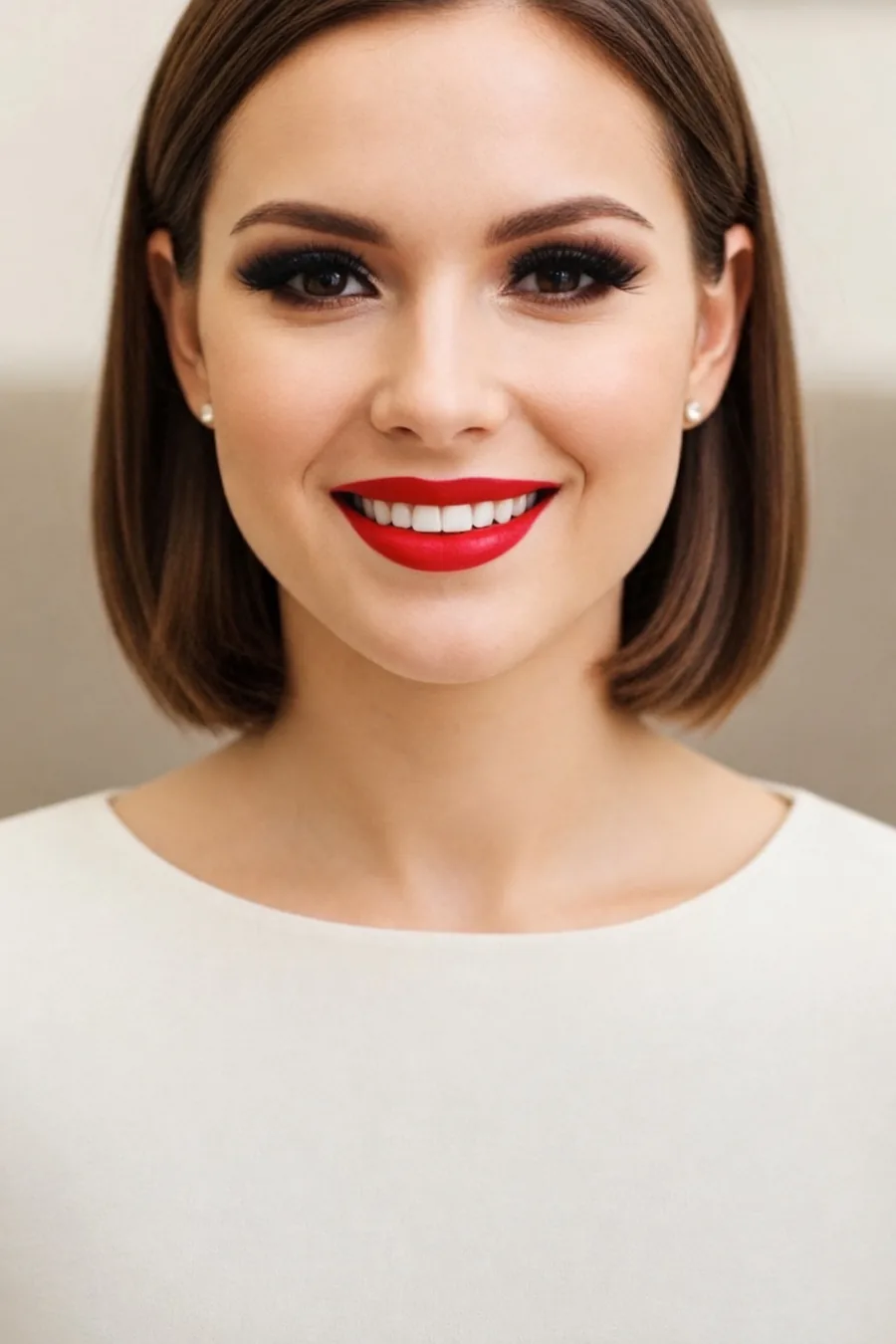

Sample edit. Drag to compare.
Try a look without a brush
Lipstick, blush, eyeliner, eyeshadow, foundation, contouring, highlighter, cat eye, glass skin and tan. Each one has its own slider, so you can keep it light.
- A slider for every makeup tool
- Long lashes, fuller lips, thick brows, freckles
- One person, or everyone in the photo at once

Try a new hair color before the salon
Change hair color or eye color in Face Studio, or try a whole new hairstyle in the hair studio. Tap the colors to see looks made in the app.
- Hair color and eye color
- New hairstyles in the hair studio
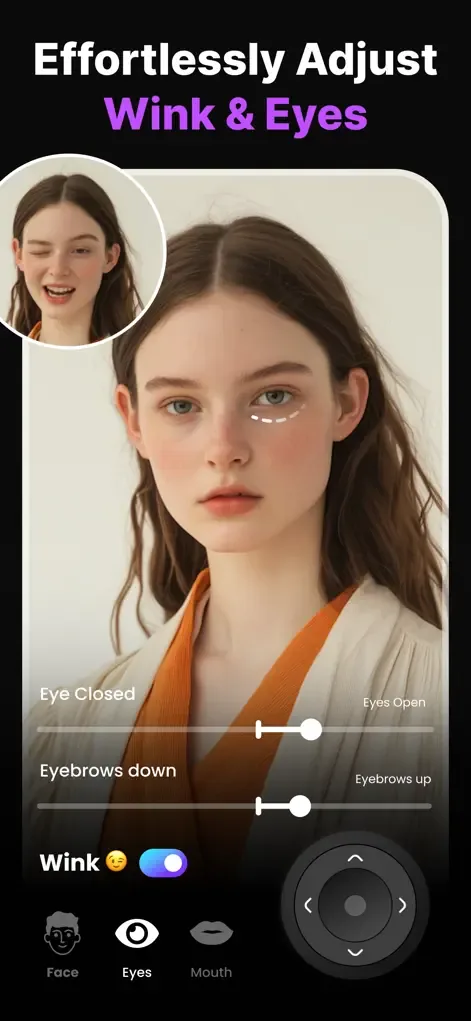
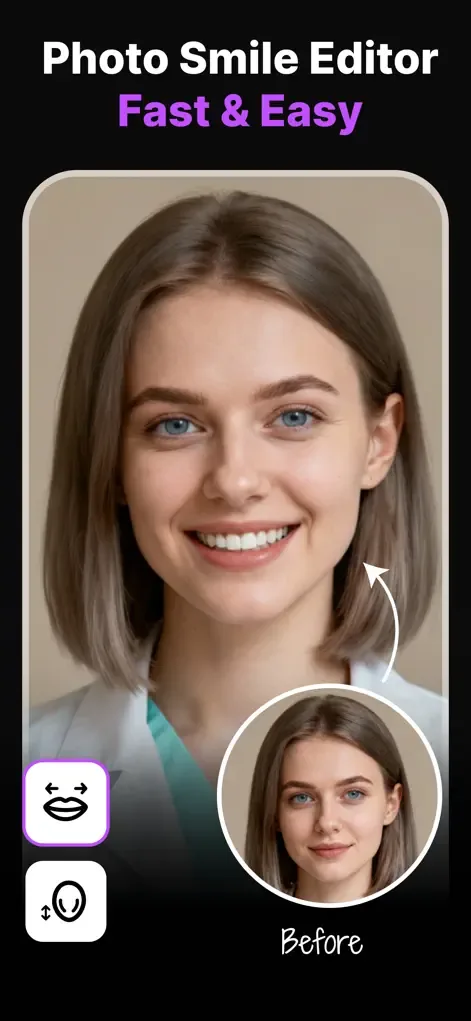
Fix the look on your face, too
The same app opens closed eyes, adds a natural smile, turns the eyes toward the camera and straightens a tilted head. In a group photo, each face is edited on its own.
- Open eyes, add a wink, change eye direction
- Add, soften or remove a smile
- Turn or straighten the head
Every tool in Face Studio
Tools work on the person you pick. Retouch, features and makeup can also go to everyone in the photo at once.
Face Retouch
Smooth skin, heal spots, whiten teeth, brighten eyes
- Smooth Skin
- Heal Spots
- Whiten Teeth
- Brighten Eyes
- Remove Shine
- Even Tone
- Skin Colour
- Detail
- Hair Colour
- Eye Colour
- Define Brows
- Tap to Remove
Face Reshape
Face shape, eyes, brows, nose and mouth
- Smile
- Face Width
- Jaw
- Cheekbones
- Chin
- Forehead
- Eye Size
- Eye Distance
- Brow Lift
- Brow Arch
- Brow Tilt
- Brow Length
- Brow Thickness
- Nose Width
- Nose Length
- Nose Tip
- Mouth Width
- Lip Height
Features
One-slider looks for the whole face
- No Eye Bags
- Smooth
- Brighter Eyes
- White Teeth
- Fuller Lips
- Long Lashes
- Thick Brows
- Cheekbones
- Freckles
Makeup
From a little lipstick to a full look
- Lipstick
- Blush
- Eyeliner
- Eyeshadow
- Foundation
- Contouring
- Highlighter
- Cat Eye
- Glass Skin
- Tan
Body Reshape
For full-length photos
- Waist
- Legs
- Hips
- Arms
- Shoulders
Background, blur and light
The rest of the photo
- Background Blur
- Backdrop
- Face Blur
- Mosaic
- Brightness
- Contrast
- Saturation
- Shadows
- Highlights
- Sharpen
- Clarity
- Denoise
- Enhance Face
How to edit a face on iPhone
- 1
Open a photo
Pick a selfie, portrait or group photo from your library.
- 2
Choose a face and a tool
Tap a person, then pick Face Retouch, Face Reshape, Makeup or Features.
- 3
Move the slider and save
Compare before and after, erase anything you want back, then save.
Face editing guides
Step-by-step answers to the questions people search for, with what the app can and cannot do.
How to reshape your face in a photo on iPhone
Every Face Reshape slider, which way it moves, and how to keep the face looking like you.
Read the guide →GuideHow to add makeup to a photo on iPhone
Ten makeup tools with colors and a strength slider, for one face or a whole group.
Read the guide →GuideHow to smooth skin in a photo without the plastic look
Why heavy smoothing looks fake, and the order of tools that keeps skin real.
Read the guide →GuideHow to change hair color in a photo on iPhone
Hair Colour with swatches and strength, plus whole new hairstyles in the hair studio.
Read the guide →Questions
How do I edit my face in a photo on iPhone?
Open the photo in Expression Editor - Reshot AI, go to Face Studio, tap the face you want to edit and pick a tool: retouch, reshape, makeup or color. Move the slider, compare before and after, and save.
Can I reshape my jaw or nose without changing the rest of the face?
Yes. Face Studio has separate controls for the face, jaw, nose, lips and eyebrows. Only the area you change is edited, and the eraser paints back anything you want to keep as it was.
Does skin smoothing remove skin texture?
Only the area you change is edited and skin texture is kept. Use a light setting and the before and after view to keep the result natural.
Can I add makeup to a photo?
Yes. Face Studio has lipstick, blush, eyeliner, eyeshadow, foundation, contouring, highlighter, cat eye, glass skin and tan, each with its own slider. Makeup can go to one person or to everyone in the photo at once.
Can I change hair color or eye color?
Yes. Face Studio changes hair color and eye color and adds makeup. The hair studio can also try a whole new hairstyle on your photo.
Can I edit one person in a group photo?
Yes. Tap the person you want to edit. Every tool works on one face at a time, so each person can get a different edit.
How much does Expression Editor - Reshot AI cost?
Editing needs a Premium subscription or a credit pack. Prices for your country are shown in the app and on its App Store page. Subscriptions renew automatically unless cancelled at least 24 hours before the end of the current period, and can be managed or cancelled in your App Store account settings.
What happens to my photos?
You choose every photo yourself, and a photo you choose to edit is uploaded so the edit can be made. The privacy policy lists who processes it, how long it is kept and how to have your data deleted. Read the privacy policy
How do I know I have the right app?
Several unrelated apps and websites use similar names. The app is called “Expression Editor - Reshot AI” on the App Store, and its App Store ID is 6670773294. Use the download button on this site to open the right page. faceedit.app is a website about the app; its main website is expressioneditor.app. Open the App Store page
Your face, edited your way
Download Expression Editor - Reshot AI on the App Store.
Download on the App Store